If someone had told me a few years ago that I could write the entire code for an app or website using AI—simply by giving commands in English—I wouldn’t have believed them.
But nowadays, things have changed a lot compared to before.
Now, as we stand in 2026—an era where AI has become incredibly advanced—these tools do far more than just suggest the next line of code.
Today, there are excellent tools available that can comprehend your entire project, locate the relevant files, write the code from start to finish, and even fix any errors, requiring very little manual effort on your part.
Choosing Best AI for coding in 2026 isn’t as simple picking one that can generate long answers.
So, after looking at a wide range of tools, there are a few major ones I’d like to talk about; these are the specific tools I’m mentioning in the list, setting them apart from the rest.
Best AI for Coding in 2026
| AI Coding Tools | Best For | My Take On Tools |
| Cursor | For native development and day-to-day coding. | Overall it is Best for almost developers. |
| Claude Code | For complex code and multiple file-related tasks. | Claude Code is excellent choice for development. |
| OpenAI Codex | Best for ChatGpt Users. | It is Very Useful for Coding. |
| Gemini | Free Option | Worth Using |
1) Cursor – Best For AI Coding in 2026
If someone were to ask me to name just one AI coding tool that we could use daily for development, Cursor is the one I would likely recommend.
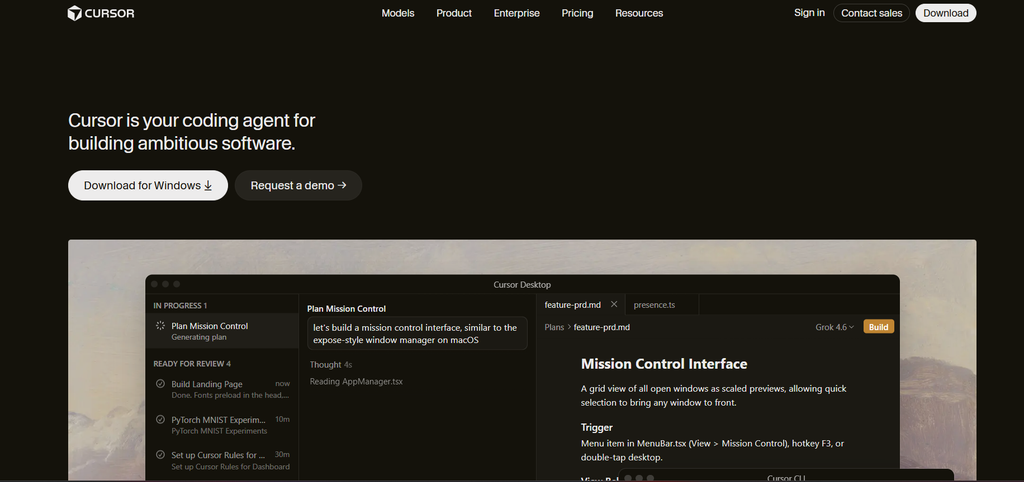
The best thing about Cursor is that it isn’t just a chatbot. Its agents can understand your code and project, search through your files and folders, and even edit or update multiple files.
This becomes helpful when you are working on a real website, rather than just issuing a command to write 30 lines of HTML code.
For example, instead of asking:
“Write CSS for a responsive navigation menu.”
You can give an agent a much bigger instruction such as:
“Check my existing header, make it responsive on mobile, keep the current design, fix the menu spacing and make sure the dropdown works.”
This is the reason AI Coding starts feeling genuinely useful.
If I were to tell you Why I like Cursor, it would be this.
- These are excellent for HTML, CSS, JavaScript, and other languages.
- Can Understand your existing project
- It can modify multiple files
- Has an AI-first development experience
- Good for building features from natural-language instructions
My Thought: If you want one AI coding for your everyday work, you can start with Cursor.
2) Claude Code – The Best for Complex Coding Tasks
Claude Code’s workflow differs from Cursor’s; it focuses on an agent designed to work directly with you on your development environment.
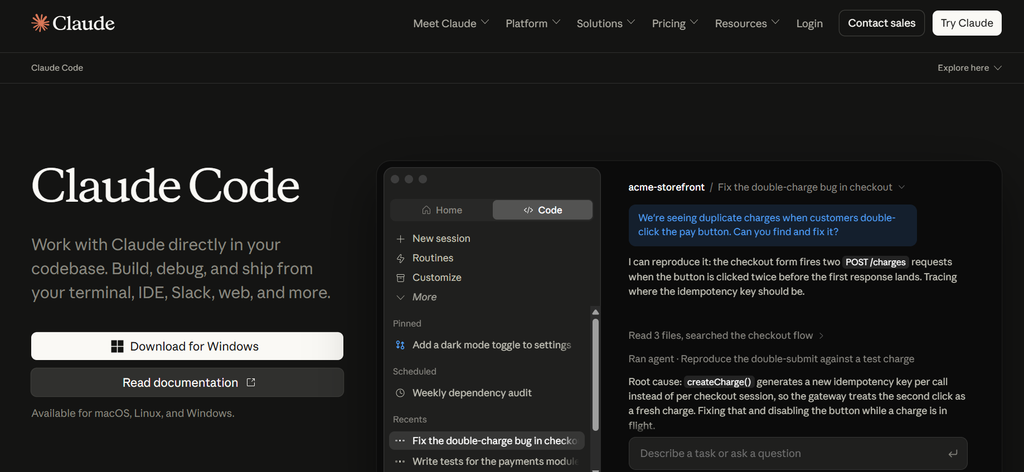
If you have a complicated project, Claude is a tool I would recommend for completing it, because I also use Claude Code whenever I work on complex projects.
And this is a huge difference
I would like to highlight a few points about Claude Code that are very interesting.
- Large Codebases
- Debugging
- Terminal-based workflows
- Refactoring
- Multi-file changes
- Writing and improving tests
And there is also an important lesson: I can never blindly trust the code that an AI agent produces.
It can be very fast, but sometimes it can also be wrong.
This means I prefer a workflow where the work gets done and I review the important changes.
3) OpenAI Codex – It is Great for Agent Coding
Make sure to check out OpenAI Codex in 2026—it’s worth watching.
And one more important thing i want to tell you that the important thing about modern Coding AI is the move from “AI writes code” to “AI completes a development task”
A Traditional chatbot might give you 150 lines of code but a coding agent can potentially:
- Decide which files need changing
- Modify the files
- Understand the output requirement
- Run commands or tests
- Find problems
- Make corrections
For those who are already using ChatGPT, using Codex could also be quite interesting.
4) Gemini – Option for Someone Who Like Google’s Ecosystem
Google Gemini tools are also worth it if you have used the Google developer ecosystem.
And let me tell you, even if someone isn’t familiar with or doesn’t have access to the other tools, they will certainly know about Gemini—because it is a Google product, and you are surely aware of that.
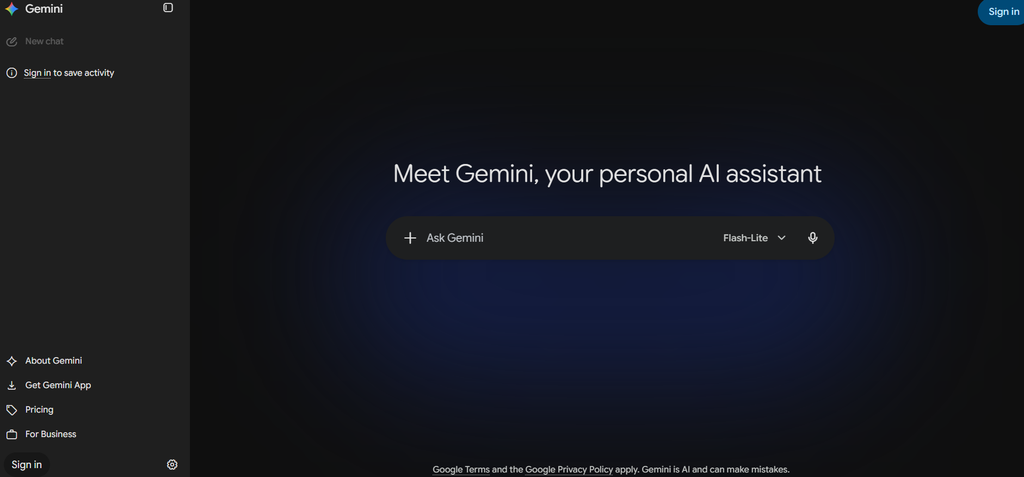
And one reason I wouldn’t completely ignore Gemini is its ability to work with very large amounts of context in some configurations
- Documentations
- Long files
- Large projects
- Large amounts of supporting information
However, I would not choose a coding assistant simply because it has the biggest context window.
Which AI coding Tool Should You Choose?
If i tell you there isn’t one perfect AI coding tool for everyone.
Here’s how I would simplify the decision.
Choose Cursor if:
- You like experimenting with different models
- You build websites or applications regularly
- You want AI to work across multiple files
Choose Claude Code if:
- You are comfortable working with a terminal
- You work with larger projects
- You want an agent that can handle complex tasks
Choose Codex if:
- You already use ChatGpt
- You want AI to work on larger development tasks
Choose Gemini if:
- You work heavily with Googles ecosystem tools
- you want another strong Ai coding option to compare
The Biggest Mistake I Made With AI Coding
One thing I would like to say to anyone thinking about starting AI coding:
Don’t let AI replace your understanding of the code.
You might go to a tool, paste a single command, and let AI generate the code for you—which you then simply copy and paste.
This process requires very little mental effort on your part. If you keep doing this, your actual coding knowledge could become rusty;
So, avoid becoming overly dependent on AI and make sure to write some code yourself as well.
Use AI to:
- Find bugs
- Suggest better approaches
- Explain unfamiliar code
- Write initial versions
However, you should definitely review the results obtained.
My Final Thoughts: What is the Best AI for Coding in 2026?
If you were to force me to choose just one tool, I would pick the Cursor.
But I am not saying that Cursor will be good for everyone either.
If you need to do complex coding, Cloud Code is also excellent—it is extremely capable.
And also if you already using ChatGpt heavily, Codex deserves a place on your list.
Frequently Asked Questions
What is the best AI for Coding in 2026?
For many developers, this is a powerful tool because its AI agent understands the codebase and knows how to edit files and execute commands. Claude Code and Codex are also strong alternatives.
Is Claude Code good for beginners?
Cloud Code can be useful for beginners, but I wouldn’t recommend simply using it to generate code without a proper understanding.
Is AI coding good for beginners?
Yes, of course, I feel that beginners have benefited the most from this; it is not a shortcut.